









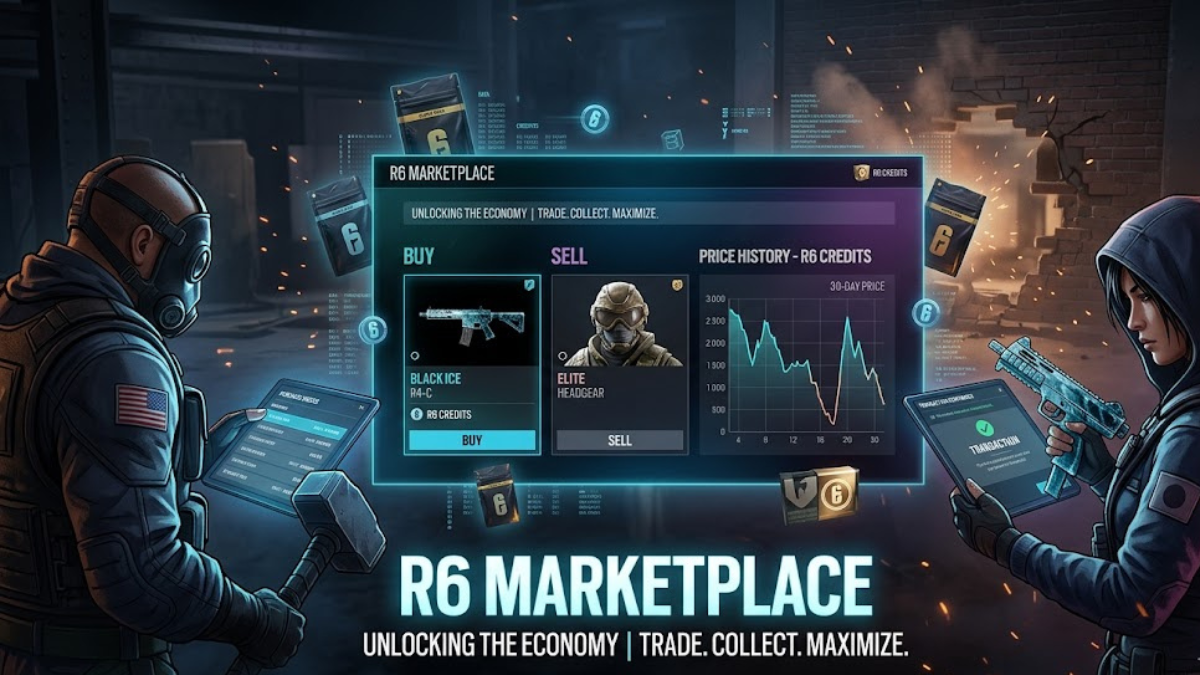
Since its launch, Tom Clancy’s Rainbow Six Siege has captivated millions of tactical shooter fans with its intense destruction mechanics and deep operator pool. Alongside the tight gunplay, cosmetics have always been a massive part of the player experience, allowing users to show off everything from weapon finishes to legendary character outfits. For a long time, if you missed out on an exclusive seasonal skin, it was gone forever.
also read:https://schedows.com/byron-thomas-williams-vehicle-licensing-penalties/
That all changed with the introduction of the official peer-to-peer trading hub. The r6 marketplace has completely reinvented how players interact with their in-game inventories. Instead of leaving older cosmetics to gather virtual dust, players can now actively trade, flip, and collect items using a centralized, safe economic platform. This comprehensive guide covers everything you need to know about navigating the market, understanding its mechanics, and maximizing your digital wallet.
What Is the R6 Marketplace?
The r6 marketplace is a browser-based, official web application developed by Ubisoft that allows players to buy and sell eligible in-game cosmetics from their Rainbow Six Siege inventories. It represents a shift away from traditional, restrictive storefront models where items are permanently locked to an individual’s profile upon purchase.
Unlike external third-party sites or the Steam Community Market, transactions within this ecosystem do not use real-world currency. Instead, the entire economy is fueled by R6 Credits, the premium in-game currency. While you cannot cash out your credits into real-world money, the system allows dedicated players to fund their future Battle Passes, Elite Skins, and newly released shop bundles solely by trading away older items they no longer use.
Eligibility and System Requirements
To maintain a secure trading environment and prevent malicious botting or fraud, Ubisoft enforced a strict set of safety protocols. You cannot simply create a brand-new alternative account and start transferring valuable skins immediately.
To gain full access to the trading hub, your account must meet the following baseline requirements:
- Account Level: Your Rainbow Six Siege profile must be at least Clearance Level 25. If you are a new player, you must play multiplayer matches to earn enough experience points (XP) to unlock this tier.
- Security Features: You must have Two-Factor Verification (2FA) active on your connected Ubisoft account.
- Account Standing: Your profile must be free from active in-game or system-wide sanctions, toxicity bans, or cheating penalties.
- Recent Activity: Your account must show recent gameplay activity that registers XP to prove the profile is not dormant.
How the Trading Mechanics Work
The architecture of the market relies heavily on a specialized queue system built upon supply-and-demand metrics. It does not operate like an instant retail store; rather, it matches active buyers with active sellers through specific bid and ask thresholds.
Navigating Purchase Orders
When you want to buy an item, you navigate to the purchase tab, search for your desired skin, and submit a Purchase Order specifying the maximum number of R6 Credits you are willing to pay. The platform will automatically look for the lowest available seller price up to your specified maximum cap.
Navigating Sale Orders
Conversely, listing an item for sale involves setting a Sale Order with your minimum acceptable price. If an active buyer’s purchase order matches or exceeds your selling price, the trade is instantly resolved. Items purchased on the platform undergo a mandatory 15-day cooldown period before they can be relisted on the market.
Active Caps and Expirations
To prevent extreme market manipulation, users face distinct transactional parameters:
| Order Parameter | Limit / Policy |
| Active Concurrent Purchase Orders | Maximum of 5 active orders simultaneously |
| Active Concurrent Sale Orders | Maximum of 5 active orders simultaneously |
| Order Expiration Window | Exactly 30 days from creation |
| Daily Transaction Volume Limit | Up to 20 completed sales and 20 completed purchases per 24 hours |
| Ubisoft Transaction Fee | 10% flat cut taken exclusively from the seller’s proceeds |
What Types of Items Can You Trade?
The inventory variety found across the platform covers almost every erasable era of Siege history. However, not every single piece of gear is currently tradeable, as Ubisoft continuously updates the master database to maintain server stability and balance rarity metrics.
The eligible items are generally split across several recognizable cosmetic types:
1. Weapon Skins
This includes highly coveted weapon finishes like the universal Black Ice series, historical seasonal event rewards, and older pro-league partnership designs that are no longer obtainable via traditional Alpha Packs.
2. Operator Cosmetics
Players can customize their favorite defenders and attackers using traded Headgears and Uniforms. This section also includes customized Operator Portraits and Card Backgrounds to style your loading screen appearance.
3. Structural and Accessory Add-ons
Smaller elements like weapon Charms, universal Attachment Skins (which alter the color of scopes, barrels, and grips), and unique Drone Skins can be listed to round out your loadout’s aesthetic theme.
Smart Trading Strategies for the R6 Marketplace
To avoid wasting your R6 Credits, you should treat the platform with a bit of financial strategy. Approaching the marketplace with patience will save you thousands of credits over time.
Analyze the 30-Day Price History
Before committing your funds to a purchase order, always look at the integrated 30-day market analytics chart displayed on the item’s page. This chart showcases the item’s price trajectory, letting you see whether its value is steadily declining or spiking due to artificial hype. Buying during a downward dip ensures you get the best deal.
Master the Queue Priority Rule
Orders are processed based on strict chronological timestamps. The oldest active order at a specific price point always receives priority over newly submitted ones. If you modify the price of an active order mid-way through its cycle, your place in line is reset entirely to the back of the queue. If you want a popular item, set a fair price early and leave it untouched.
Factoring in the 10% Tax
Always remember that Ubisoft retains a 10% transaction fee from every single successful sale. If you list a rare uniform for 1,000 R6 Credits, your account will receive exactly 900 R6 Credits upon completion. Keep this calculation in mind if you are flipping items to save up for a specific purchase.
Frequently Asked Questions
1. Can I use a VPN to get lower prices on regional variants of the market?
No. The marketplace runs on a unified, global database linked straight to your core Ubisoft profile. Prices are identical across all geographical locations, meaning regional masking provides zero economic advantage.
2. What happens to my R6 Credits if a purchase order expires without being filled?
If your order hits the 30-day limit without matching a seller, the order self-terminates. The R6 Credits held in reserve are instantly returned to your active wallet balance.
3. Is there a mobile companion app for trading on the go?
There is no standalone mobile application available on iOS or Android app stores. However, the official marketplace portal is completely optimized for mobile web browsers, allowing you to easily adjust listings on smartphones.
4. Can I trade item-for-item directly with a specific friend?
Direct one-to-one trading is not natively supported. All transactions go through the open public queue system to ensure fairness and prevent unauthorized external black-market sales.
5. Why are some of my Black Ice skins completely missing from my inventory?
Ubisoft adds cosmetic selections to the marketplace registry in staggered phases. If a specific weapon skin isn’t showing up, it means that particular item has not yet been white-listed for public trade.
6. Can I buy duplicates of the same skin to hold as an investment?
The platform prevents accounts from holding multiple copies of an identical cosmetic skin simultaneously. You can only buy an item if you do not currently own it in your active collection.
7. Does modifying an order’s price keep my place in the buyer’s line?
No. Changing the credit amount on any pending order resets its timestamp completely, pushing your order back to the end of that specific price bracket’s queue.
8. Are Elite Set skins tradeable through the market ecosystem?
Elite Sets bought directly from the standard premium in-game shop cannot be sold or broken down into separate components for marketplace listings.
9. What should I do if a completed transaction takes my credits but doesn’t give me the skin?
Inventory synchronization can sometimes take a short while to process across the game servers. If restarting your Siege client doesn’t resolve the issue, you can file an official technical ticket on the R6Fix or Ubisoft Support platforms.
10. Can cross-progression players trade across different platforms?
Yes. Because your inventory is tied globally to your overarching Ubisoft Connect account, Console players (PlayStation/Xbox) can seamlessly trade with PC users without restrictions.
Conclusion
The r6 marketplace has brought a refreshing, sustainable dynamic to Rainbow Six Siege’s ecosystem. By opening up historical inventories and putting the power of trade back into the hands of the community, players can freely personalize their tactical loadouts like never before. To make the most of it, remember to keep your account secured with 2FA, keep an eye on 30-day pricing history charts, and factor the 10% Ubisoft tax into your trades. Happy trading, and see you in the field!


