









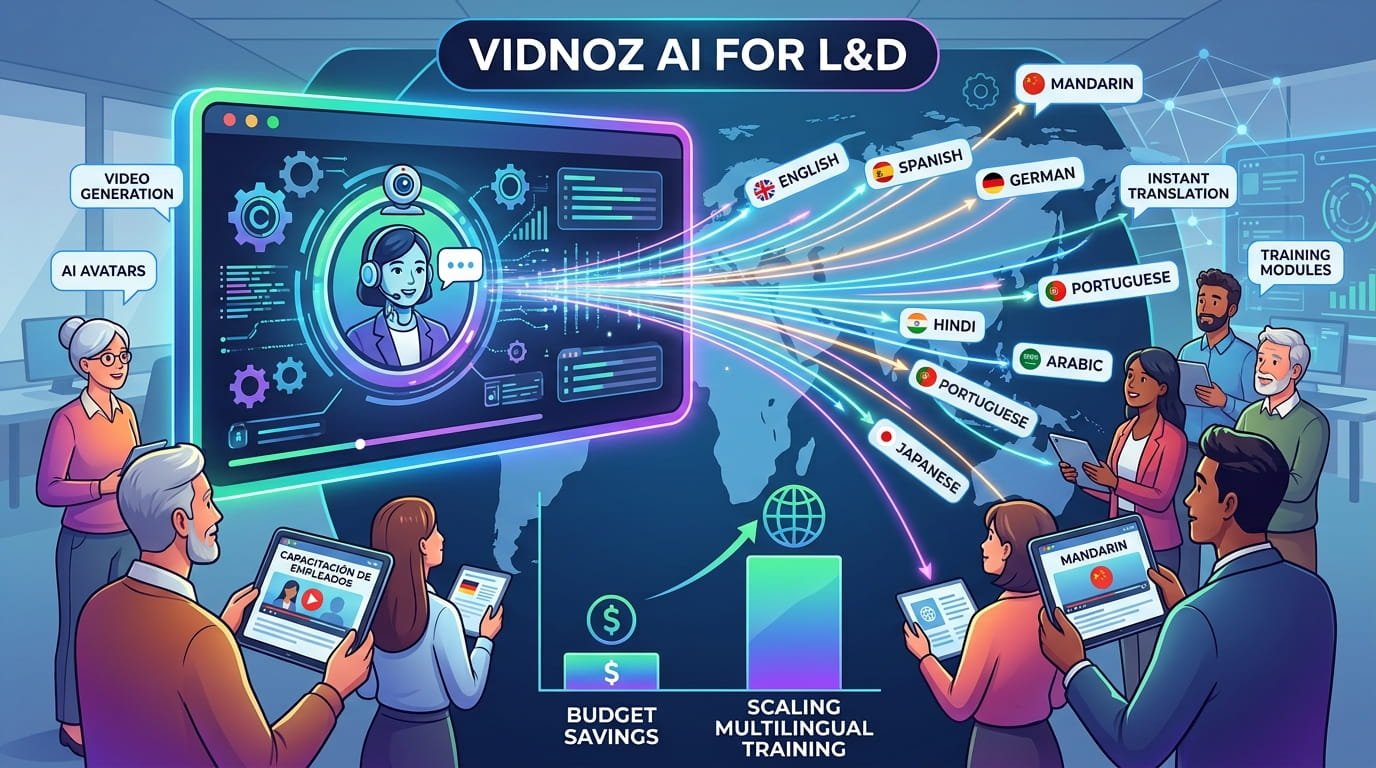
As businesses expand across global teams, learning and development programs must do more than deliver basic training. They need to educate employees in multiple languages, maintain consistent quality, and stay within budget. Vidnoz AI makes this easier by helping L&D teams create professional training videos with AI avatars, voices, templates, and translation tools. Instead of hiring professionals, companies can produce multilingual lessons faster and at a lower cost. In this guide, we’ll learn everything about Vidnoz AI and how it helps L&D teams create and scale employee training videos without spending a huge budget.
Part 1: What is Vidnoz AI?

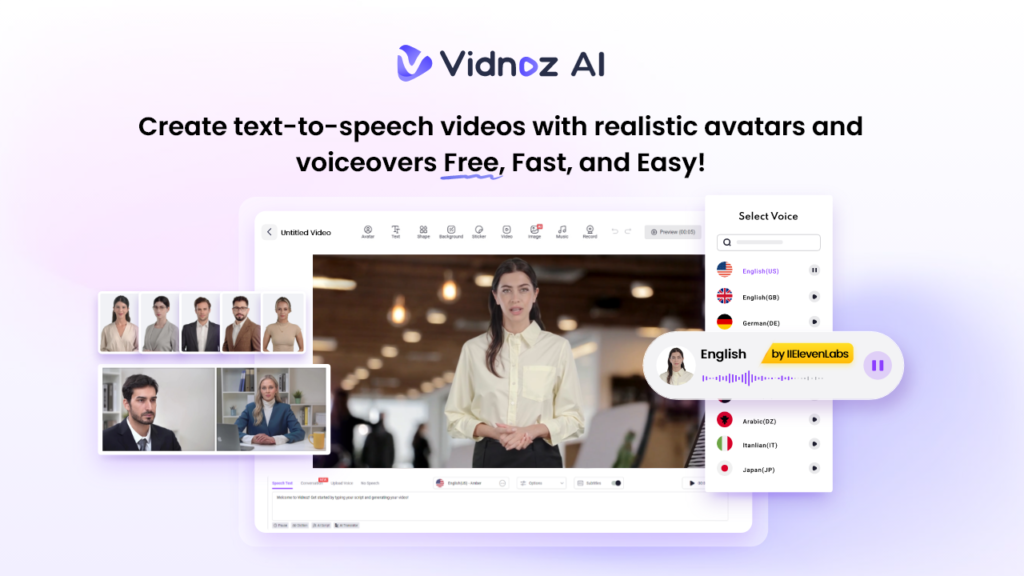
Vidnoz AI is a web-based AI Video Generator that enables users to create high-quality and professional-looking videos with a simple text prompt or any source material. With the help of this tool, companies can produce training videos at scale without spending heavily on cameras, studios, actors, video editors, or voiceover artists. It offers a wide range of AI avatars, natural-sounding voices, and customizable templates that make video creation simple for everyone.
One of the standout features of Vidnoz AI is its support for over 140 languages, making it an excellent choice for companies with global teams. L&D departments can easily create training videos in different languages to ensure every employee understands the content clearly. Additionally, it is certified with ISO/IEC 27001:2022 for Information Security Management, which makes it a reliable option for businesses that handle sensitive training materials and employee data.
Part 2: Top Vidnoz AI Features That Help L&D Teams Train Global Employees
Vidnoz AI is filled with amazing features and capabilities, making it one of the best tools for L&D teams that want to create professional employee training videos without a large production budget. Here are the top features of this program:
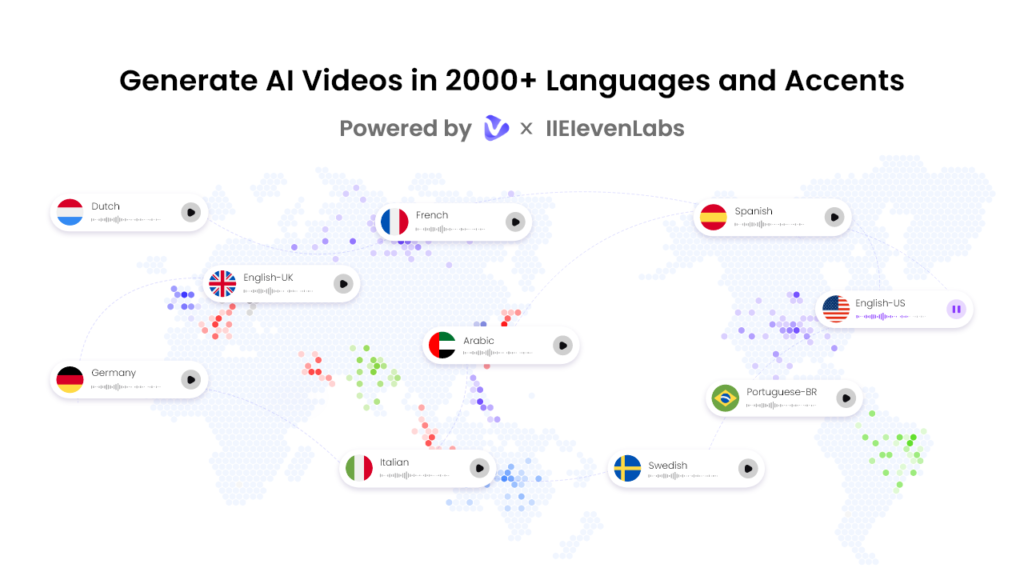
- High-Quality AI Voices: Vidnoz AI includes 2000+ AI voices in over 140+ languages, such as English, Chinese, Russian, Turkish, Italian, Spanish, French, German, and more. All the voices available on this program are powered by ElevenLabs, Google, and Microsoft.
- Customizable Video Templates: The program also offers 2800+ video templates, allowing users to create high-quality and professional-looking videos without editing experience. With these pre-designed templates, users can create multiple types of videos, such as training, how-to guides, explainer videos, workplace safety guides, onboarding lessons, and product tutorials.
- Realistic AI Avatars: It provides 1900+ lifelike avatars, each from different industries and roles. Vidnoz AI includes avatars of doctors, nurses, teachers, musicians, customer support, and more. Additionally, users can create a digital twin using Avatar Lite, and Avatar Pro offers deeper customization features. Expressive Avatars make training videos feel more natural by adding realistic emotions and facial expressions.
- Free Version: The standout feature of Vidnoz AI is that it also provides a free version, enabling companies to create high-quality and engaging training videos without any cost. The free version includes 30 free credits and amazing AI tools, such as Avatar Lite, Text-to-Video, AI Voice Changer, Online Video Editor, and AI Video Enhancer.
- AI Video Wizard: AI Video Wizard enables users to create videos with a simple text prompt or any source material — no professional help or editing experience is required. Plus, it offers an easy-to-use interface, making it suitable for beginners and non-tech users.
Part 3: Best Use Cases of Vidnoz AI for L&D
Vidnoz AI Video Generator can be used in multiple areas of learning and development, making it a practical solution for companies that want to train employees faster and more affordably.
- Employee Onboarding: Vidnoz AI is useful for creating onboarding videos for new employees. L&D teams can create welcome videos, company introductions, and more.
- Compliance Training: Companies can use Vidnoz AI to create compliance training videos related to workplace policies, data protection, and industry regulations.
- Product Training: Vidnoz AI helps sales, customer support, and marketing teams learn about new products, features, and services.
- Multilingual Global Training: For companies with international employees, Vidnoz AI is useful for
Part 4: How to Create Multilingual Training Video With Vidnoz AI
Vidnoz AI enables users to create training videos in multiple languages. Here is how to do it:
- Navigate to the Vidnoz AI official site and log in with your account. Choose the video template and AI avatar.

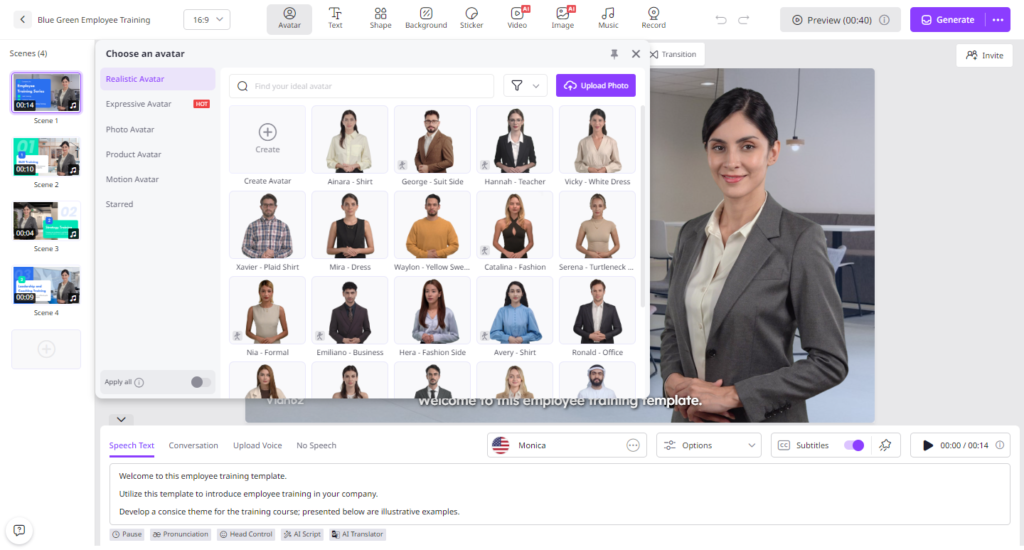
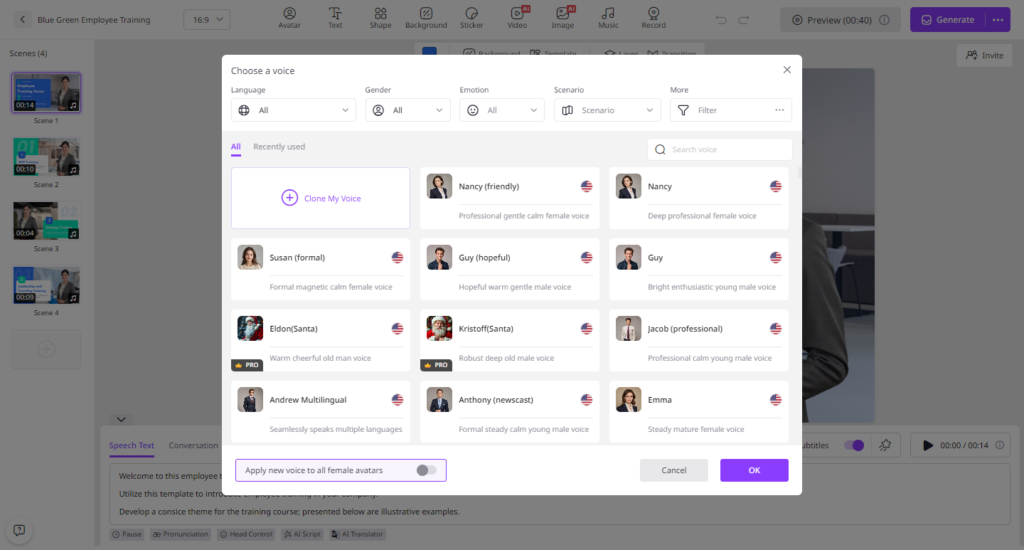
- Input the text and then choose an AI voice that matches your training video style. After that, select the language of your video. Vidnoz AI offers 140+ language options.
- Next, use the Online Video Editor to customize it according to your requirements. Users can change the background, insert text, and more.
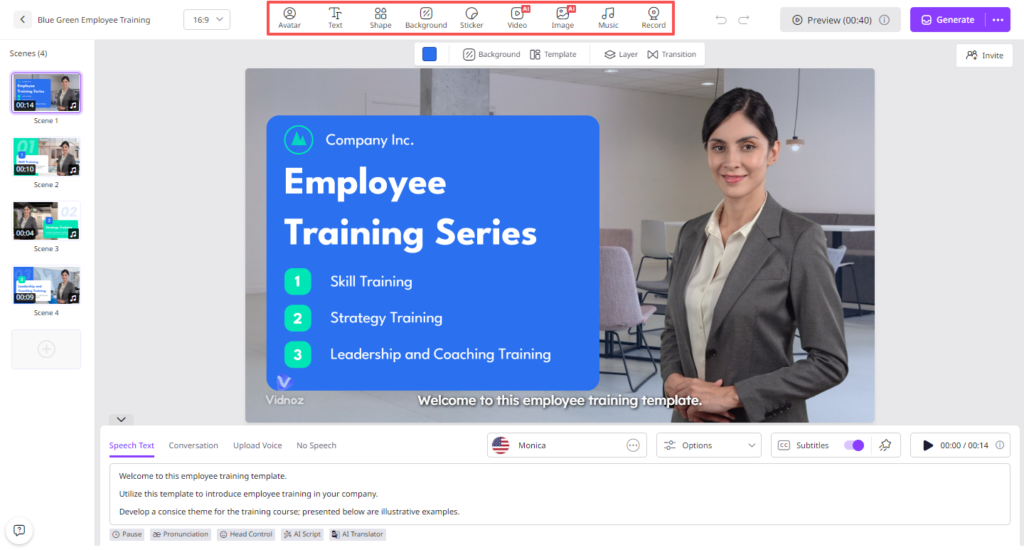
- Finally, click on the “Generate” button to begin the video creation process. Within seconds, your AI training video will be ready. Preview and download it in the desired format.
Conclusion
Vidnoz AI is a must-have tool for L&D teams that want to create professional, multilingual employee training videos without spending a large budget. With 140+ language options, it helps companies train global employees faster, improve engagement, reduce production costs, and deliver a consistent learning experience.


